Convert HEVC to MP4

Simplify video format conversion by turning high-efficiency HEVC files into widely supported MP4s in a few clicks, with compatibility across devices and a smoother publishing workflow.

How it works

Convert HEVC to MP4 in three steps

Start with an HEVC file, run the video conversion, then use the generated MP4 file anywhere.

Step 01

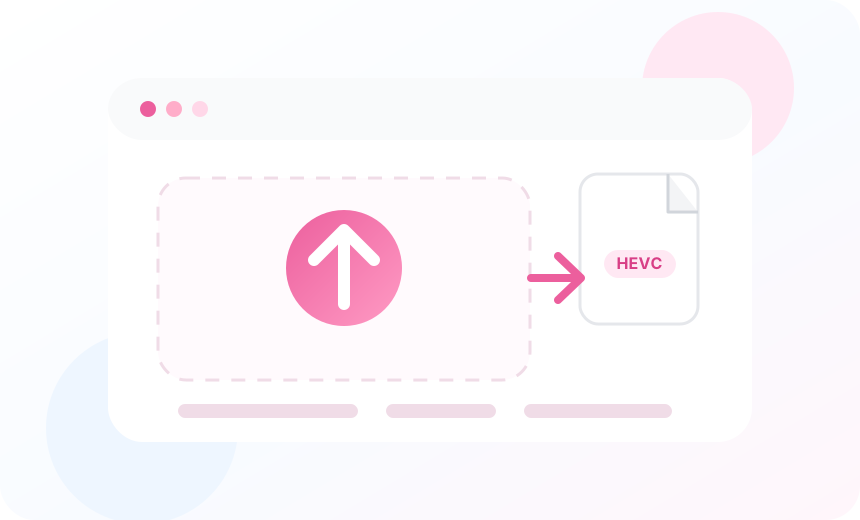
Upload your HEVC file

Upload your HEVC file. The HEVC to MP4 converter stores the source file so the HEVC to MP4 conversion tool can create a stable output.

  • Upload HEVC files from your device.
  • Keep the original HEVC source intact.
  • Start converting HEVC from one clean browser workflow.
Concept illustration of uploading a HEVC video file
Step 02

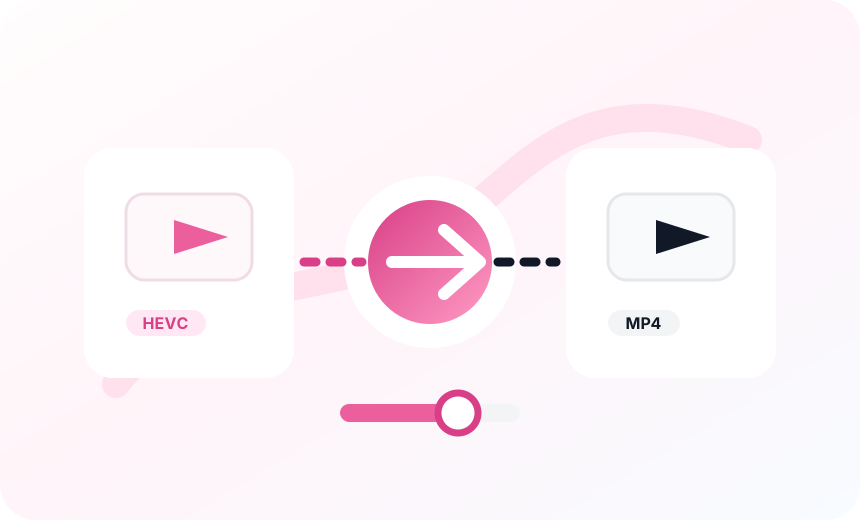
Convert HEVC to MP4

Convert HEVC to MP4 so the MP4 file plays on more devices, browsers, video editing tools, and sharing platforms.

  • Create compatible MP4 files for playback.
  • Use compatibility-first MP4 settings.
  • Generate a faststart MP4 for video sharing.
Concept illustration of converting video to MP4
Step 03

Download or share the MP4

Open the converted MP4 URL, download the file, or reuse the MP4 video in review, publishing, and automation workflows.

  • Open the MP4 URL after conversion.
  • Download the output for publishing.
  • Reuse the link in review and automation.
Concept illustration of sharing a converted MP4 video

Features

A simple HEVC to MP4 converter for real video workflows

Create MP4 files that are easier to preview, share, upload, edit, and reuse across teams.

HEVC to MP4 conversion

Convert HEVC to MP4 and create browser-friendly MP4 files for playback, editing, and sharing.

Reliable MP4 playback

Create MP4 files that open more smoothly across apps, browsers, phones, and review workflows.

Balanced video quality

Use practical MP4 settings designed to balance video quality, file size, and compatibility.

Source file stays intact

Keep the original HEVC file available while converting HEVC to MP4 as a separate output.

Shareable MP4 URL

Use stable source and output URLs to keep MP4 files ready for review, download, or automation.

Clear conversion status

Track upload, video conversion, success, and error feedback from one focused conversion tool.

More than a converter

HEVC files to MP4 for video quality, file size, and quick sharing

Use one HEVC to MP4 conversion flow for common compatibility problems across recording, editing, review, file size, and distribution.

Online conversion

Convert HEVC to MP4 online for sharing, uploading, and playback.

Quality checks

Balance video quality and file size before using the MP4 file.

Playback workflows

Create MP4 files for phones, browsers, editors, and review links.

Original files

Keep the source file available while making a separate MP4 output.

Loved by video teams

Creators use it when converting HEVC to MP4 gets in the way

Convert the source once, then move the MP4 video through review, upload, and automation without format friction.

"We needed a faster HEVC to MP4 workflow before sending product walkthroughs to customers. The workflow keeps the source file and converted MP4 file easy to track, which makes review much smoother for our whole support team."

Avery BrooksCustomer Education Lead

"Our camera exports looked great, but HEVC slowed down the handoff to editors and stakeholders. Having a focused HEVC to MP4 conversion tool means we can create MP4 files quickly, check video quality, and move on without rebuilding the HEVC to MP4 workflow."

Nora PatelVideo Operations Manager

"The biggest improvement is predictability. We upload the HEVC file, get a converted MP4 file, and know the link will be ready for QA, publishing, or automation. It saves our team from chasing file size and playback problems late in the process."

Julian ReedPlatform Engineer

"For training videos, we often receive HEVC files from different devices. HEVC to MP4 conversion gives us a more dependable format for review links, LMS uploads, and internal edits while keeping the conversion steps simple for non-technical teammates."

Mina ClarkeTraining Producer

"I like that the page stays focused on the exact job. It does not make the team choose from a complex editor first. We can run HEVC to MP4 conversion, verify the video quality, and hand the output to marketing or product without extra coordination."

Owen KimContent Systems Lead

"Before this, our publishing queue had too many files that played in one app but failed in another. A simple HEVC to MP4 workflow gives us a cleaner MP4 playback path and makes quick sharing easier across customer education projects."

Sofia GrantPublishing Manager
"We needed a faster HEVC to MP4 workflow before sending product walkthroughs to customers. The workflow keeps the source file and converted MP4 file easy to track, which makes review much smoother for our whole support team."

Avery BrooksCustomer Education Lead

"Our camera exports looked great, but HEVC slowed down the handoff to editors and stakeholders. Having a focused HEVC to MP4 conversion tool means we can create MP4 files quickly, check video quality, and move on without rebuilding the HEVC to MP4 workflow."

Nora PatelVideo Operations Manager

"The biggest improvement is predictability. We upload the HEVC file, get a converted MP4 file, and know the link will be ready for QA, publishing, or automation. It saves our team from chasing file size and playback problems late in the process."

Julian ReedPlatform Engineer

"For training videos, we often receive HEVC files from different devices. HEVC to MP4 conversion gives us a more dependable format for review links, LMS uploads, and internal edits while keeping the conversion steps simple for non-technical teammates."

Mina ClarkeTraining Producer

"I like that the page stays focused on the exact job. It does not make the team choose from a complex editor first. We can run HEVC to MP4 conversion, verify the video quality, and hand the output to marketing or product without extra coordination."

Owen KimContent Systems Lead

"Before this, our publishing queue had too many files that played in one app but failed in another. A simple HEVC to MP4 workflow gives us a cleaner MP4 playback path and makes quick sharing easier across customer education projects."

Sofia GrantPublishing Manager
FAQ

Questions about converting HEVC to MP4

What does this HEVC to MP4 converter do?

It converts HEVC files into MP4 files that are easier to open, preview, share, and use in common video workflows.

Why convert HEVC to MP4?

HEVC is efficient, but MP4 files are more widely supported. Converting HEVC to MP4 can make video playback and sharing smoother across devices.

Will HEVC to MP4 conversion affect video quality?

Any video conversion can affect video quality, so this tool focuses on practical MP4 settings that balance quality, compatibility, and file size.

Are there limits on file size or duration?

File size and duration limits depend on the configured upload limit and processing resources. Larger HEVC files can take longer to convert to MP4.

What can I do with the converted MP4 file?

Use the converted MP4 file for review, publishing, downloads, video editing, or automated workflows that need a more compatible video format.

Start converting

Convert HEVC files to MP4 for easier video sharing today

Upload an HEVC file, create a compatible MP4 file, and use the converted video for review, publishing, downloads, video editing, or automated workflows.