Instagram audio tool

Extract audio from Instagram videos

Turn any Instagram video or Reel into shareable audio for podcasts, voiceovers, editing, and content marketing, so creators can reuse the sound and reach more people without extra production work.

Explore features

How it works

How to extract audio from Instagram videos

Move from Instagram video input to extracted audio and reusable MP3 output in a short, repeatable workflow.

Step 01

Import your Instagram video

Start by adding an Instagram Reel, post link, or downloaded video file. The tool brings the video into one focused workspace so the audio track is ready to separate and reuse.

  • Paste an Instagram Reel or post URL.
  • Upload MP4 or MOV when a link is not available.
  • Prepare the source video for audio extraction.
Creator using a laptop to prepare media for audio extraction
Step 02

Separate the audio track

After the video is loaded, extract the sound from the original clip. This keeps the audio separate from the visual layer, making it easier to edit, transcribe, or turn into an MP3.

  • Isolate the audio from the video file.
  • Keep the original video untouched.
  • Prepare a clean audio track for reuse.
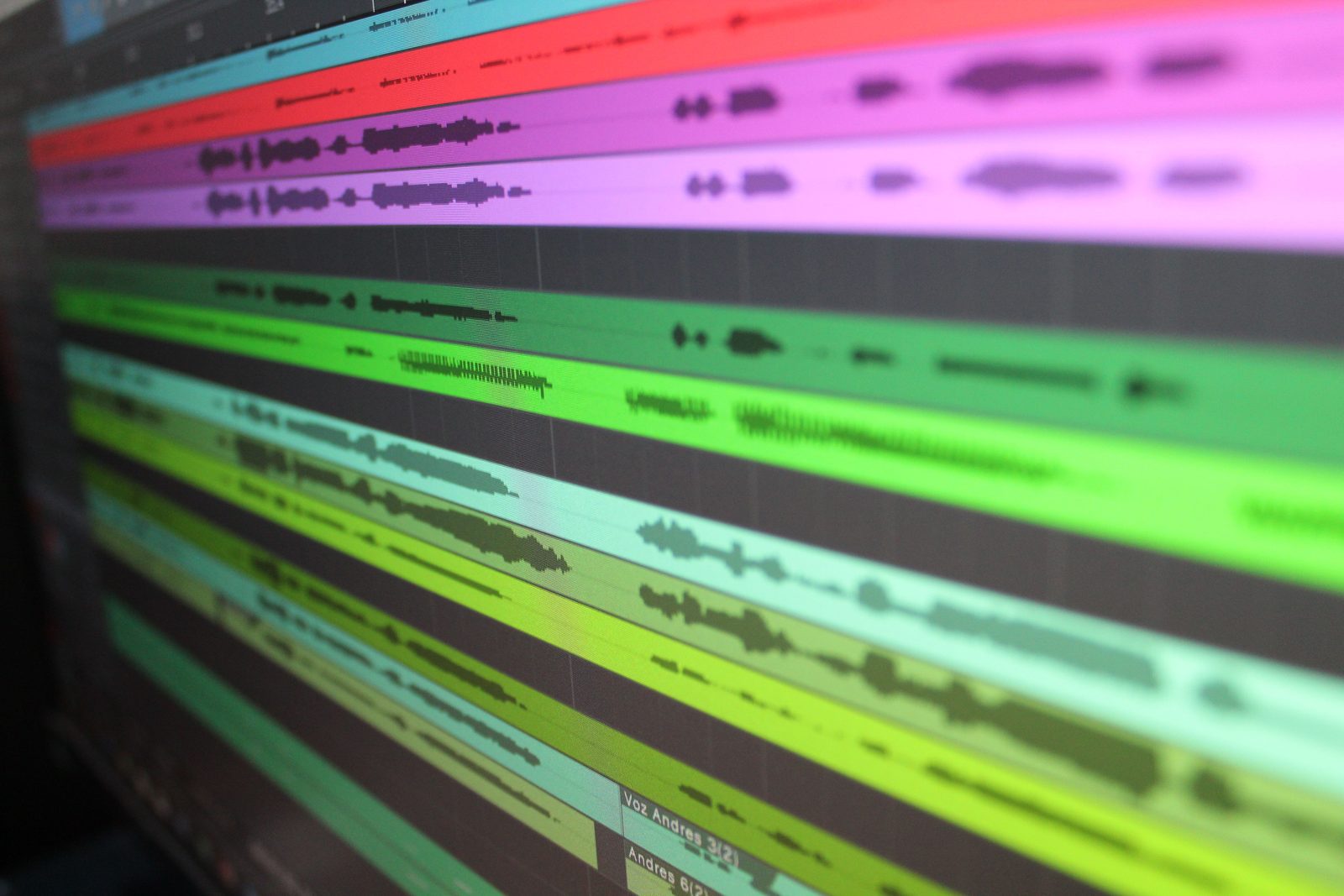
Colorful audio waveform timeline on a computer screen
Step 03

Export and save your audio file

Once the audio is ready, save it as a downloadable MP3 file. Use the finished audio for podcasts, voiceovers, social edits, content notes, or any workflow that needs sound without the full video.

  • Create an MP3 from the extracted track.
  • Open or download the finished audio file.
  • Reuse the sound in editing and publishing workflows.
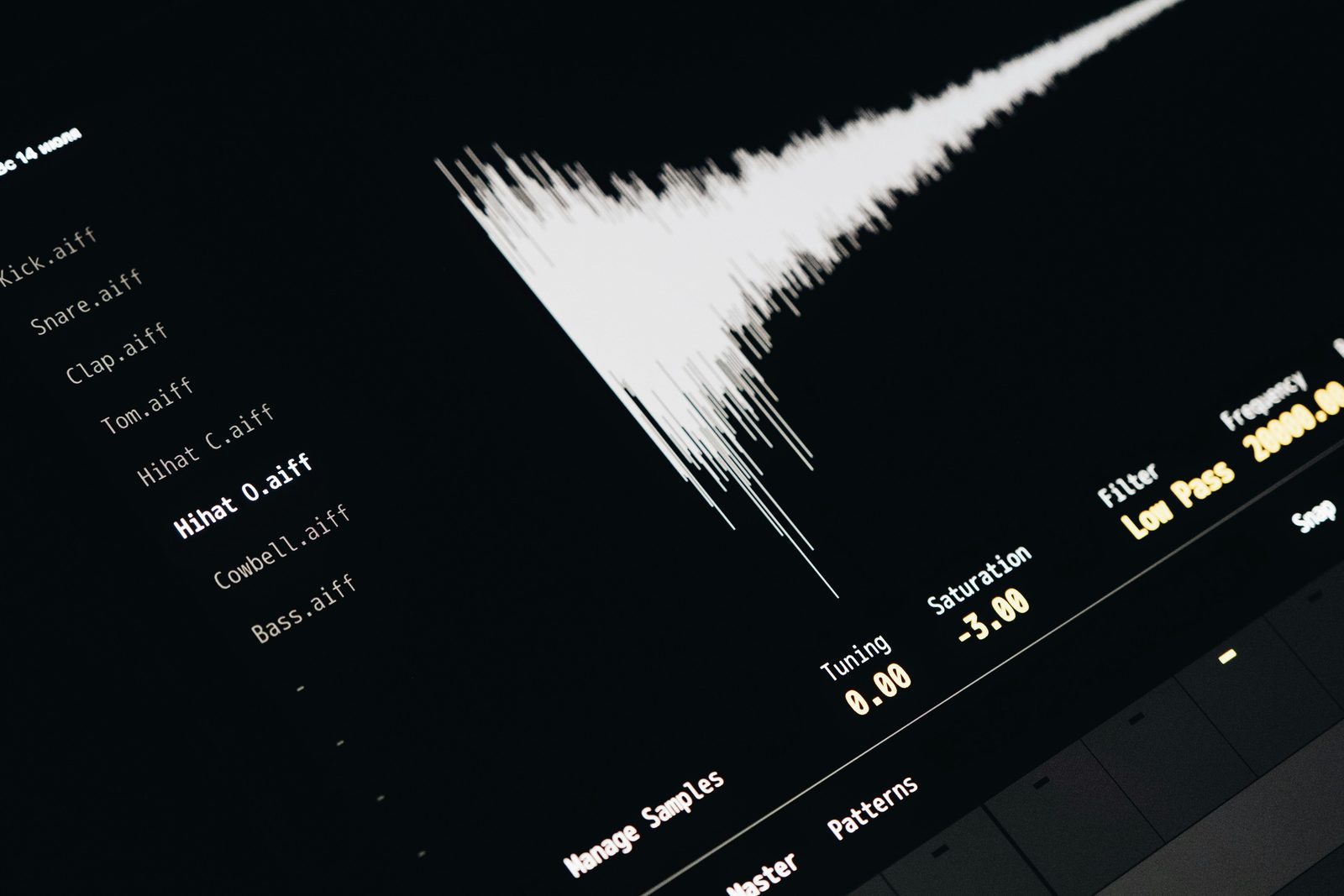
Close-up of an audio waveform interface for exported sound

Features

Built as an instagram audio downloader for MP3 handoff

Use an instagram audio downloader to extract audio from Instagram videos, fall back to upload when needed, and keep a clean MP3 URL ready for the next workflow.

Instagram audio downloader workflow

Use an instagram audio downloader to turn Instagram videos, Reels, and downloaded clips into clean MP3 audio.

Link or upload input

Paste an Instagram video link or upload a local MP4/MOV file when your instagram audio downloader needs a fallback.

Server-side conversion

Run extraction on the server so the instagram audio downloader stays simple while FFmpeg handles media conversion.

MP3 output workflow

Create a clean MP3 from the source video audio track for editing, review, transcription, or publishing.

Shareable output URL

Return a public audio URL for download, review, and handoff.

Temporary processing

Use temporary server files during conversion while the instagram audio downloader prepares the final MP3.

Creator resources

Resources for instagram audio downloader workflows

Use these instagram audio downloader resources for Instagram to MP3, Reel audio, creator archives, and audio from Instagram videos.

Reel repurposing

Use an instagram audio downloader to pull Reel audio into podcast clips, social edits, reference libraries, and campaign notes.

Transcript handoff

Send MP3 files from an instagram audio downloader into transcription, summarization, captioning, and content QA pipelines.

Creator archives

Save reusable audio from Instagram videos without moving large source files around manually.

Production export

Keep instagram audio downloader outputs ready for editors, marketers, support teams, and documentation workflows.

Loved by teams

What teams like about this Instagram audio extractor

Teams use the tool to extract audio from Instagram videos, create MP3 handoffs, and keep extracted Instagram audio moving without a complex editor.

We use Instagram clips as creative references all week. Being able to extract audio from Instagram videos and get a clean MP3 URL makes it easier to pass material to editors without sending big video files around.

Maya ChenContent Operations Lead

The link plus upload fallback is the useful part. Some Instagram posts are hard to import directly, so our team can upload the video file and still finish the Instagram to MP3 workflow from the same page.

Jordan LeeVideo Producer

For transcript work, we do not need the whole video every time. This gives us a simple way to extract the audio track, send the MP3 into transcription, and keep the source workflow predictable.

Elena ParkEditorial Manager

Our campaign team reviews a lot of Reels, and audio references get lost when everything stays inside video files. The MP3 output URL keeps handoff simple for publishing, review, and archive tasks.

Noah RiveraCampaign Producer

The page is direct enough for non-technical teammates. Paste a link, upload a fallback file if needed, and wait for the extracted audio URL without learning a full media editor.

Priya ShahAccessibility QA

We needed a lightweight audio extraction tool for Instagram assets before sending files into copywriting and documentation workflows. This keeps the conversion step visible and repeatable.

Theo MartinProduct Marketer

We use Instagram clips as creative references all week. Being able to extract audio from Instagram videos and get a clean MP3 URL makes it easier to pass material to editors without sending big video files around.

Maya ChenContent Operations Lead

The link plus upload fallback is the useful part. Some Instagram posts are hard to import directly, so our team can upload the video file and still finish the Instagram to MP3 workflow from the same page.

Jordan LeeVideo Producer

For transcript work, we do not need the whole video every time. This gives us a simple way to extract the audio track, send the MP3 into transcription, and keep the source workflow predictable.

Elena ParkEditorial Manager

Our campaign team reviews a lot of Reels, and audio references get lost when everything stays inside video files. The MP3 output URL keeps handoff simple for publishing, review, and archive tasks.

Noah RiveraCampaign Producer

The page is direct enough for non-technical teammates. Paste a link, upload a fallback file if needed, and wait for the extracted audio URL without learning a full media editor.

Priya ShahAccessibility QA

We needed a lightweight audio extraction tool for Instagram assets before sending files into copywriting and documentation workflows. This keeps the conversion step visible and repeatable.

Theo MartinProduct Marketer

FAQ

Frequently Asked Questions

Can I use an instagram audio downloader with a Reel link or uploaded file?

Yes. Paste a public Instagram Reel or post link when it can be imported, or upload the video file when the instagram audio downloader needs a local fallback.

What MP3 file does this instagram audio downloader create?

The instagram audio downloader extracts the video audio track and returns an MP3 file URL that you can open, share, download, or pass to another workflow.

Can an instagram audio downloader return a shareable audio URL?

Yes. The finished MP3 is returned as a public URL for download, review, or handoff after the audio extraction finishes.

Does the instagram audio downloader keep my video permanently?

No. The server uses temporary files during conversion. The reusable artifact is the extracted MP3 file URL, not a permanent copy of the source video.

Is this instagram audio downloader useful for Instagram Reels?

Yes. The workflow is built for Instagram video and Reel audio extraction, with upload fallback when direct link import is blocked.

Can teams connect this instagram audio downloader to an API workflow?

Yes. The frontend calls one extraction endpoint and receives an MP3 URL, so teams can wire the same instagram audio downloader flow into API-only workflows.

Start extracting

Use an Instagram audio extractor for MP3 handoff

Paste a link, upload a fallback file when needed, extract audio from Instagram, and save a clean MP3 URL from one focused workflow.