Web demonstration builder

Create interactive HTML demos without coding

Build a web demonstration from screen recordings. Capture your product flow as HTML/CSS snapshots, add a guided click path, and share an interactive HTML demo that prospects, customers, and teammates can complete.

Explore features

How it works

Build a web demonstration in three steps

The workflow follows the same pattern every time: record the product path, edit the guide in a demo editor, then publish a link or embed with demo analytics.

Step 1

Record the web demonstration

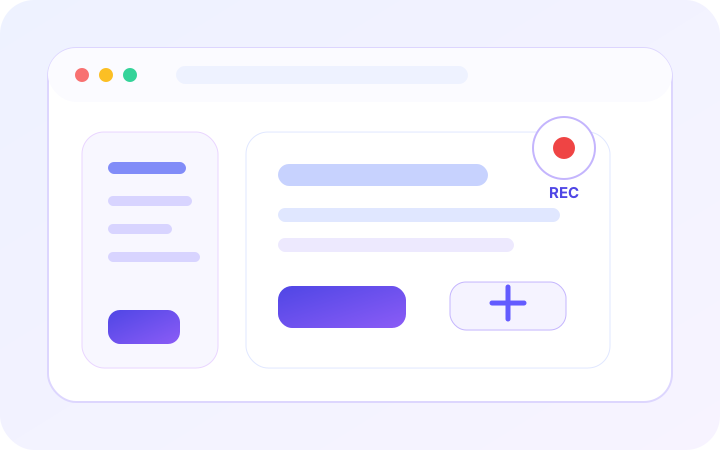
Use the screen recorder to click through your product once. The product demo recorder captures page state, interaction intent, and the target element for each step.

  • Capture HTML/CSS states from real product screens.
  • Keep click targets, page context, and viewport details together.
  • Start a web demonstration without rebuilding the product flow.
Screen recording a product workflow for a web demonstration
Step 2

Generate the guided demo

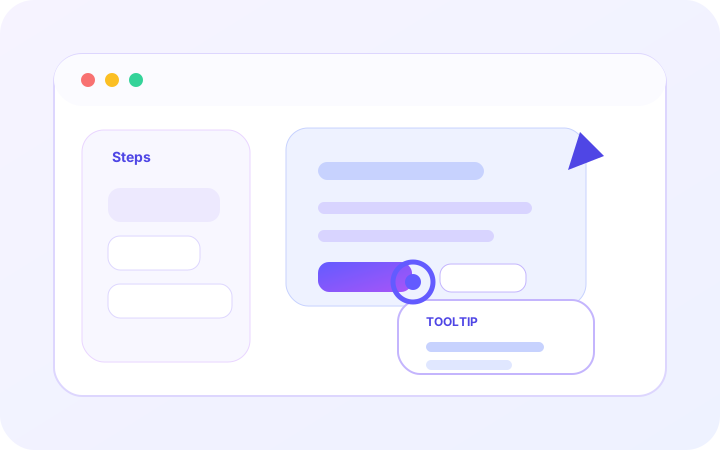
Review each captured step in the demo editor, rewrite tooltip copy, adjust hotspots, and remove anything that should not appear in the demo.

  • Create interactive HTML demos without coding.
  • Personalize demos with names, company details, and segment copy.
  • Mask sensitive fields before prospects see the experience.
Editing hotspots and guided copy in an HTML demo editor
Step 3

Share, embed, and measure

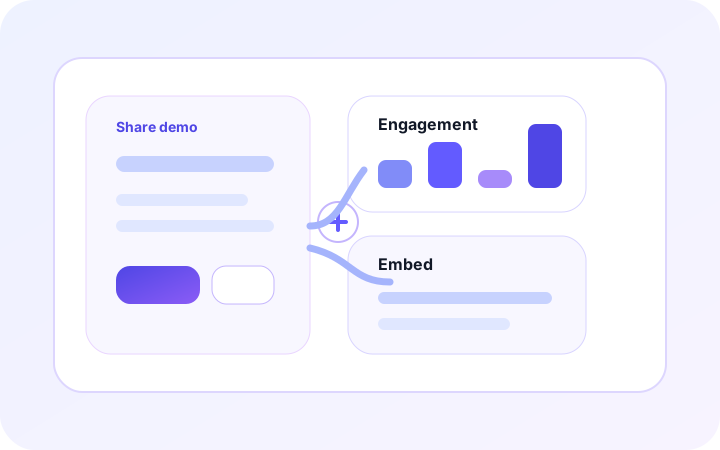
Publish a tracked link or embed the web demonstration in a page. View account analytics, completion, and where viewers clicked off-path.

  • Embed web demonstrations in pages, docs, and onboarding hubs.
  • Track completion, wrong clicks, and dropoff across every step.
  • Improve each interactive product demo from viewer behavior.
Sharing and measuring an embedded web demonstration

Features

Everything needed for shareable web demonstrations

Capture real UI states, create interactive HTML demos without coding, personalize demo content, and measure how each audience completes the product demo flow.

Web demonstration playback

Render captured HTML/CSS snapshots so each web demonstration feels closer to your actual product than a stitched video.

Guided click sequence

Highlight the right target, block off-path clicks, and move viewers through an interactive HTML demo step by step.

Create interactive HTML demos without coding

Record once, then use the demo editor to personalize demos with names, metrics, teams, company details, and HTML content.

Sandbox demo environments

Create isolated demo environments by masking sensitive data and replacing risky copy without recording again.

Share links and embeds

Send a hosted link or embed web demonstrations in docs, campaigns, sales enablement pages, and onboarding hubs.

Demo analytics

Track step views, completion, wrong-clicks, and dropoff across product demos, HTML demos, and walkthroughs.

Resources

Resources for web demonstrations and product walkthroughs

Use one web demonstration builder for product demos, HTML demos, sales demos, onboarding paths, customer education, and embedded walkthroughs.

Web demonstration guides

Plan product walkthroughs, onboarding flows, and embedded HTML demos around one guided click path.

Sales enablement demos

Package repeatable web demonstrations for prospects, account follow-ups, and product-led sales pages.

Product onboarding

Create interactive HTML demos without coding for onboarding hubs, release education, and customer training.

Sandbox demo strategy

Create isolated demo environments for prospects while keeping private data, risky copy, and live accounts hidden.

Teams

Teams built for interactive web demonstrations

Web demonstrations fit B2B SaaS and software teams that need prospects, customers, employees, or buyers to understand complex product workflows quickly.

Customer Success and onboarding

Guide customers through onboarding and self-paced product education.

Sales and pre-sales

Send interactive leave-behinds, POC walkthroughs, and demo libraries.

Product marketing and growth

Embed product experiences on landing pages, launches, and campaigns.

Support, docs, and training

Turn tickets, SOPs, and internal training into clickable guides.

FAQ

Frequently Asked Questions

What is a web demonstration for SaaS product education?

A web demonstration is an interactive HTML demo that captures real product screens, adds guided click steps, and lets viewers complete the workflow in a browser.

How can I create interactive HTML demos without coding?

Record the product flow, review the captured HTML states in the demo editor, adjust tooltips and hotspots, then publish the web demonstration as a link or embed.

How are HTML-based interactive demos different from product videos?

A video is passive. HTML-based interactive demos and web demonstrations let viewers click through the intended path, complete steps, and experience the flow more like the real product.

Can I personalize demos with natural language for each prospect?

Yes. Use variables and content overrides to personalize demos with names, company details, metrics, role-specific copy, and HTML content before sharing.

Can I create isolated demo environments for prospects?

Yes. Sandbox demos can mask private values, replace risky copy, and present the product in a realistic sandbox without exposing live customer data.

Where should I embed web demonstrations for sales enablement?

Embed web demonstrations in sales follow-ups, product pages, help center articles, onboarding hubs, launch announcements, and account-based landing pages.

What demo analytics help improve interactive product demos?

Track step views, completion, dropoff, wrong-clicks, and engagement so teams know where each product demo path needs improvement.
Share interactive demos

Publish web demonstrations from one recorded workflow

Create interactive HTML demos without coding, then share links, embeds, personalized versions, and account analytics with sales, onboarding, product marketing, and support teams.